![iPost-GRADIENT-1.png]](https://www.ipost.com/hs-fs/hubfs/iPost-GRADIENT-1.png?width=100&height=43&name=iPost-GRADIENT-1.png)
Please contact your Account Manager or iPost Support to enable this feature in your account.
- Create or open an email. (Note that this feature can only be used with paste html emails).

- Click Continue to move into the email editor.
- Scroll down to the Content section. You will see a button labeled Word to HTML.
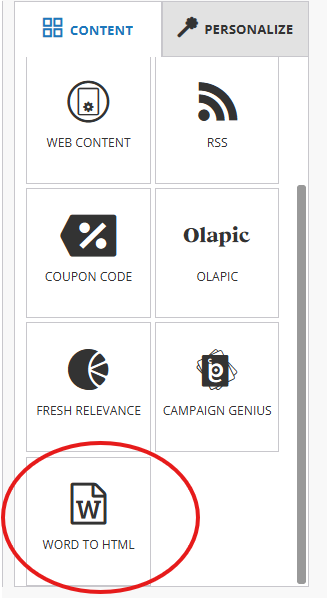
- Click the Word to HTML button.
- Select the word document you want to convert.
- Once the file is processed, the converted HTML content will appear in the CKEditor. You can now edit and format the content as needed.